Explore the Features
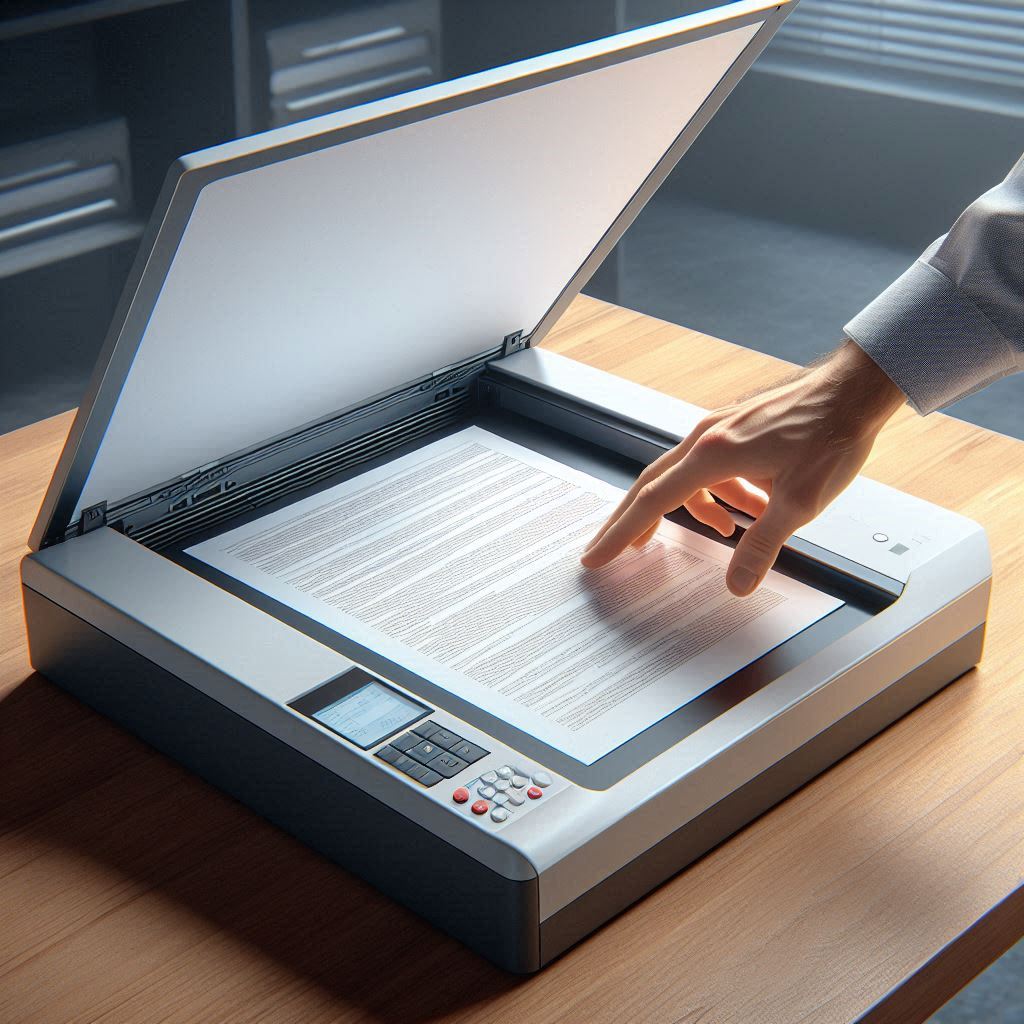
Scan & Import
Easily scan paper documents or import digital files like PDFs and images directly into the application.
Thank you for choosing OptimalDocManager - your comprehensive solution for streamlined document management. Select your platform below to download the application and follow our simple installation guide to get started right away.
Easily scan paper documents or import digital files like PDFs and images directly into the application.
Compatible with Windows 10 and Windows 11
Download for WindowsClick the "Download for Windows" button and save the ZIP file to a location you can easily access, such as your Downloads folder.
Right-click on the downloaded ZIP file and select "Extract All". Choose a location where you want to extract the files, such as "C:\Program Files\OptimalDocManager" or any folder of your choice.
Navigate to the extracted folder and double-click the install.bat file to create a desktop icon for easy access. You may need administrator permissions to complete this step.
After installation, you can launch OptimalDocManager from the desktop shortcut that was created. The application will guide you through the initial setup process.
Enter your license key when prompted or select "Try Demo" to explore OptimalDocManager's features before purchasing.
Our support team is ready to assist with your installation and setup.
Contact Support Learn More